Creating from photos
What if the character doesn't look like my child?
Diagnose why a first likeness came back wrong, change the right thing in the right order, and know when a character is already close enough to keep.
The short answer
Change it before you complete the book. A wrong likeness is almost always one of three fixable things: the wrong person was selected from the photo, the photo could not carry that face, or the illustration style is doing what it is supposed to do. You can swap the photo, adjust the cast, or regenerate the character while the opening is still free, and nothing is printed until you approve a proof.
Key takeaways
- Check a wrong likeness before completing the book. Start with the source photo and selected cast, then review the character. Check the available controls and any allowance shown before generating new artwork. Once you approve a print proof, later digital changes do not alter that printed copy.
- Diagnose before you regenerate: the usual cause is the wrong person selected, a photo that could not carry the face, or a style doing exactly what it promised.
- Fix in order — photo, then cast, then character — because each step changes what the next one has to work with.
- The bar is your child recognizing themselves, not photographic accuracy. Those are different tests.
- Identity details are not cosmetic. Skin tone, hair texture, glasses, and assistive devices are worth another pass.
What if the character doesn't look like my child?
Change it, now, while the opening is still free.
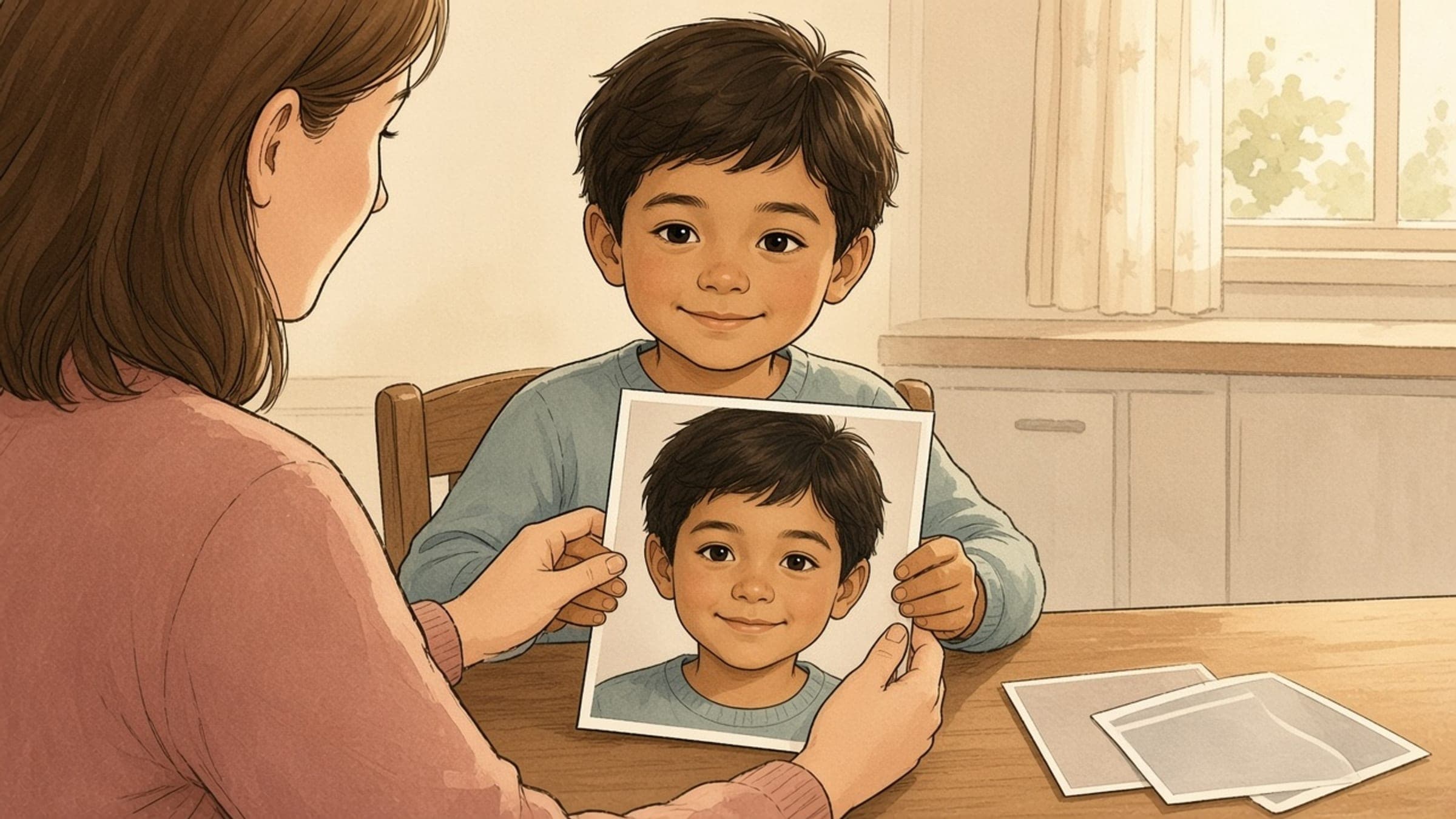
Storybook Studio starts from one photo and asks you to approve the likeness before the pages are written. That sequence exists for exactly this situation. At the opening stage you can change the source photo, adjust which people were selected, regenerate a character, and edit names and relationships — before the one-time $15 purchase that completes the digital book. Print is a separate, optional step later, and nothing is manufactured until you approve a proof.
So the honest answer to "it doesn't look like her" is not can I fix this but what, specifically, is wrong — because the three common causes have three different fixes, and regenerating the character is the right answer to only one of them.
Why did the first likeness come back wrong?
Look at the character next to the photo you uploaded and sort the problem into one of three buckets before you touch anything.
| What you are seeing | What it usually means | What actually fixes it |
|---|---|---|
| It is the right face, but it looks illustrated rather than photographic | The style is working as designed. A picture-book character is a drawing, not a portrait | Nothing. Consider whether a different art style suits them better |
| The features are vague, smoothed, or generic | The photo could not carry that face — too small in frame, turned away, backlit, or partly covered | A new photo, not a regenerate |
| It looks like a real person, but the wrong one | The wrong person was selected from a group photo (signed-in studio), or the wrong photo was added for that character (/create forms) | Adjust the selected cast, or swap in the right photo |
| Hair, skin tone, glasses, or an assistive device is missing or wrong | A detail the first pass dropped | Regenerate the character, or supply a photo where that detail is unmistakable |
| The right child, but the wrong age | The photo is older than the child in your head | A current photo |
| Everything looks right except one detail on one page | A local illustration issue may be the cause | If the source photo, selected cast, and character look right, and the book is unlocked and editable, try the page's local edit flow first: optionally mark an area if the editor offers it, review the plan, confirm the new art, compare the result, and restore the previous artwork if you prefer it. Full steps are in the edit window guide. |
That middle row is the one people skip. If the face was never legible in the source frame, regenerating produces a second vague character rather than a better one — the model has no more information than it had the first time. The photo requirements guide covers what makes a face legible in the first place: face size relative to the frame, both eyes visible, nothing sitting on top of it. If your photo fails that test, start there, not with the regenerate button.
What should you change first, second, and third?
Work outward from the input. Each step changes what the next step has to work with, so doing them out of order means re-judging the same character three times.
- Fix the photo first. If the face was small, turned, shadowed, or occluded, no downstream adjustment recovers it. Swap in a frame where the face is large and unobstructed. A close phone snapshot beats a high-resolution photo taken from across a room.
- Then fix the cast. Group photos are the most common source of the wrong-person problem. Picking people out of a group photo happens in the signed-in studio, where you save characters to your account; there, confirm which detected person is actually your child. The /create book forms take one person per photo, so there the fix is a photo that shows only your child. Either way, check that the people you want in the book are the people selected. Whether one frame can carry a sibling, a parent, and the dog is its own question, answered in the siblings and pets guide.
- Then regenerate the character. With a legible face and the right person selected, a regenerate is now working with good input. This is also the point to check identity details rather than overall resemblance.
- Then check the name and relationship. A character who looks right but is labeled "brother" when he is a cousin will read as wrong to the child for reasons that have nothing to do with the drawing.
- Only then complete the book. The opening is a review stage. Once the likeness is right, the edit window guide covers what you can still change afterward — words, a redrawn page, and every edit that stays available in the finished digital book.
How close does the likeness actually need to be?
Closer than "a child," and not as close as a photograph. The test is whether your child recognizes themselves, and that test is met earlier than adults expect.
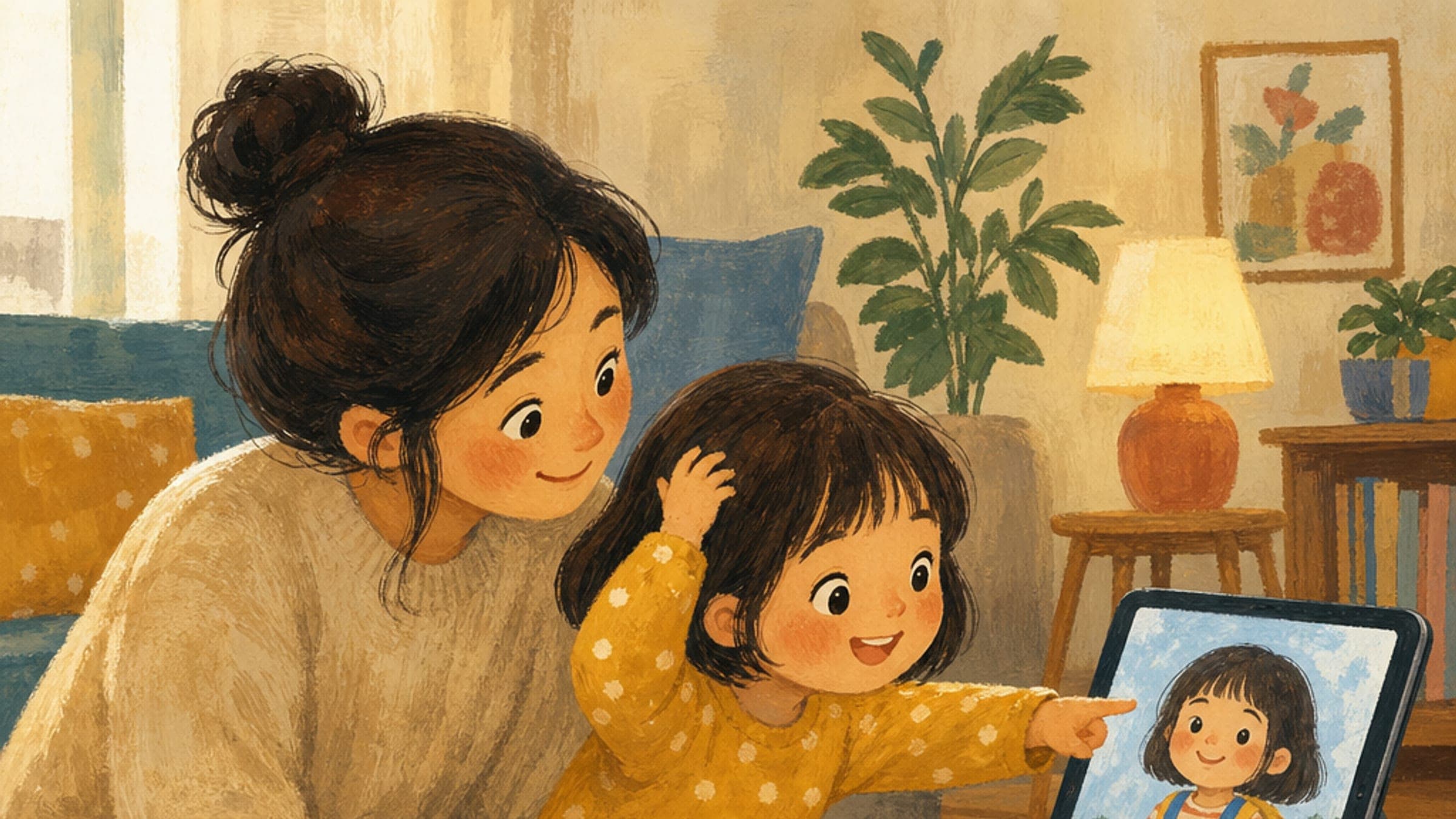
Self-recognition is an early developmental milestone rather than a fine-grained skill. ZERO TO THREE describes toddlers first recognizing themselves in a mirror at around 18 months, and children identifying themselves in photographs by around age two. What children lock onto is a small set of stable markers — hair, skin, glasses, a favorite shirt, the people standing next to them — not the geometry of a nose.
This is why the two tests come apart. An adult compares the illustration to the photo and notices every difference. A child looks for the markers and either finds them or does not. If you are holding the drawing beside the photo hunting for discrepancies, you are running the wrong test. Show it to the child.
When should you stop adjusting?
When the child recognizes themselves and the identity details are right. Past that point you are optimizing against your own memory of their face, which no illustration will satisfy.
Two practical stopping rules. First, if three regenerates have produced three characters with the same weakness, the problem is the photo, not the generation — go back to step one. Second, if the only remaining complaint is that it looks drawn, that is the product working; a personalized book is an illustrated story about a real family moment, which is the whole premise behind everyday family story ideas.
ZERO TO THREE's guidance on stories is to make connections between the story and your child's life — the routines, the people, the details they already know. A character who carries those connections is doing its job even when the chin is not exactly right.
And the edit window stays open. Completing the digital book is a one-time $15 purchase that includes continuing to edit and refine, and print is optional and only begins after you approve a proof. If you are still unsure which object you want, the digital-versus-printed guide is the right page for that decision, and how long a storybook takes covers the timing.
More related guidance:
- What Makes a Personalized Storybook a Meaningful Gift?
- A Birthmark, Scar, or Difference: Confidence Without Pressure
- A Name Nobody Pronounces Right? A Story That Turns It Into a Treasure
- Are AI-Generated Children’s Books Private?
- Personalized Story Ideas Hidden in Everyday Family Moments
Sources
- Recommended Reading: Diverse & Inclusive Books For Children — American Academy of Pediatrics (HealthyChildren.org)
- Using Stories to Nurture Identity — ZERO TO THREE
- Personalized storybooks from photos — Storybook Studio