Creating from photos
How many photos do you need to create a personalized storybook?
One upload is the whole requirement. Here is what that photo has to carry, and the short list of reasons to add a second one.
The short answer
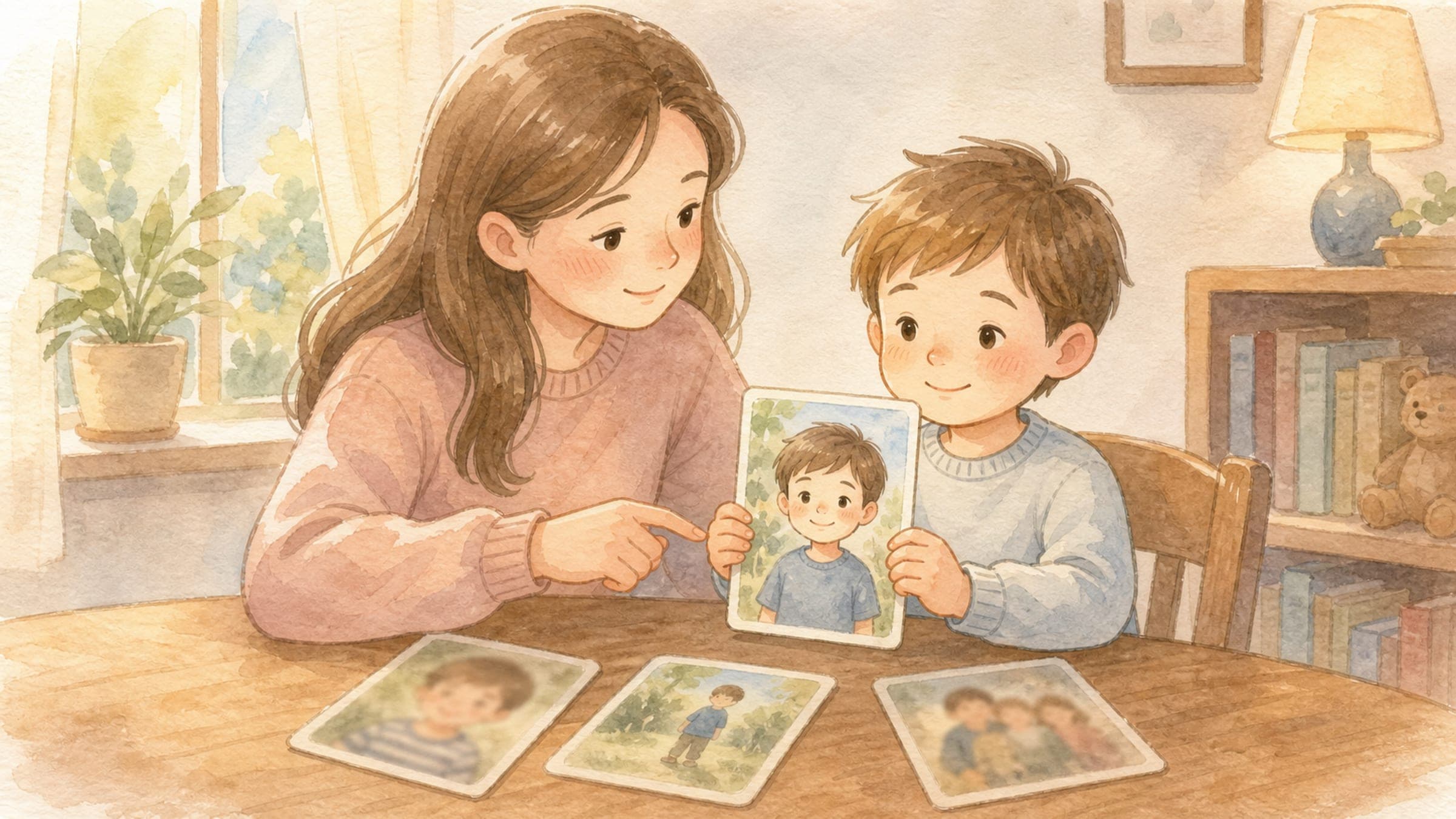
One. Storybook Studio takes a single photo, finds the people and pets in it, and lets you choose up to five of them as characters. You add a second photo for one reason only: someone you want in the book is not usable in the first frame — missing from it, hidden in it, or too small in it. The count you need is one, plus one more for each person that first photo cannot carry.
Key takeaways
- One photo is the entire requirement. There is no album to assemble.
- That one photo can supply up to five characters — the per-book maximum.
- How large the face sits in the frame matters more than the file's megapixels.
- Add a second photo only for a person the first frame cannot carry, not to improve a face that is already clear.
How many photos does the product actually ask for?
One.
The upload step takes a single file and says so plainly: upload one photo, the product finds the people and pets in it, and then you choose who becomes a character. Selection is capped at five, which is also the maximum number of characters a book can hold. If the five people you want are standing in one frame, that frame is the whole input.
This is worth stating flatly because the question usually carries a hidden assumption — that a personalized book needs a training set, a folder, twenty angles of the same child. It does not. The count is one, and the useful version of the question is a different one: what does that photo have to carry?
What does that one photo have to carry?
It has to carry a usable face for every person you intend to put in the book. That is the whole test, and it turns on face size more than image size.
The measure that matters is how much of the frame a face occupies, not how many megapixels the file holds. NIST's Face Analysis Technology Evaluation makes this concrete in how it scores blur: sharpness is assessed relative to the distance between the eyes, not in absolute pixels. A face measured that way can fail in a large photo and pass in a small one. A 48-megapixel shot of your child across a soccer field carries less usable face than a cropped phone photo taken at arm's length.
So the practical read on any candidate photo is: how big is each face I care about, and is anything sitting on top of it?
Which defects actually disqualify a photo?
NIST's quality track evaluates algorithms on a set of named, individually measurable image defects rather than one vague quality score. The defects it isolates are the same ones worth checking by eye before you upload:
| The defect NIST names | What it looks like in a family photo |
|---|---|
| Face occlusion | A hand, a hat brim, hair, a sippy cup, or a sibling's shoulder across part of the face |
| Pose | The head turned far enough that one side of the face is no longer visible |
| Illumination | Backlight against a window, or a hard shadow cutting across the features |
| Resolution and blur, relative to eye spacing | The face is small in the frame, or motion-blurred at the scale of the face itself |
| Distance from eyes to the edge | One eye near the border of the frame, or cropped out of it |
None of these is a rule you have to score. They are a checklist for the two seconds before you upload: can I see both eyes, is the face big enough to read, and is anything covering it?
If the answer is yes, yes, and no, one photo is done. Whether that single frame can also cover a sibling, a parent, and the dog at the same time is a slightly different question, answered in the siblings and pets photo guide.
When is a second photo genuinely necessary?
There is one reason, and it has three shapes. Add another photo when a person you want in the book is not usable in the first frame:
- They are not in it. The grandparent who was not at the party. The parent behind the camera.
- They are in it but not usable. Their face fails one of the checks above — turned away, obscured, too small, blown out by backlight, half out of frame.
- They are in it but it is not how they look now. A haircut, glasses, lost front teeth, or two years of growing. If the photo would make a reader hesitate, use a current one.
You can add characters from a second photo and keep going up to the same five-character total, so a second upload extends the cast rather than replacing your first choice.
Does adding more photos make the character look more like them?
No, and this is the part worth being straight about.
More reference photos do not sharpen a likeness that is already clear. A second upload solves a coverage problem — a person who was missing or unusable — not a fidelity problem. If the first character looks right to you, adding four more angles of the same child is effort spent on nothing. The illustrated character is built from the reference you approve, and you approve it before any story page is drawn, which means the check that actually protects the likeness is looking at the character and saying yes or no. What happens between upload and that approval screen is described in how a photo becomes an illustrated character.
The corollary: if the first character does not look right, a different photo is the fix, not an additional one. Swap the reference rather than stacking more of the same.
Which photo of your child should you use?
Once more than one frame passes the technical checks, the remaining question stops being technical.
The American Academy of Pediatrics frames photo decisions about children as the child's own information rather than the parent's, and its guidance includes a step most photo checklists skip: if your child is old enough to ask, ask them. The AAP's questions are written for public posting, and a private book is a lower-stakes setting — but the ones about how a photo portrays a child, and whether they would be comfortable with it later, transfer cleanly. A book gets read aloud repeatedly, sometimes for years. A picture your seven-year-old finds funny and your ten-year-old finds mortifying is worth a second thought now.
That is the deciding factor between two technically fine options: pick the one where they look like themselves and would be glad to be seen that way.
What about photos of children who are not yours?
Ask their parents first.
Grandparents, aunts, and family friends run into this constantly, and there is no version of the technical checklist that answers it. If the answer is no, that person simply is not a character in this book. Consent is covered in more depth in the parent consent guide, and how uploaded photos are stored and handled is described in the privacy policy and in what privacy means for an AI-generated book.
More related guidance:
- Is a Personalized Storybook a Good Last-Minute Gift?
- Learning to Use Scissors: Grip, Safety Rules, and Steps
- Learning to Write Their Name: A Low-Pressure Practice Guide
- What to Do With Anger: A Story About Safe Choices
- Personalized Story Ideas Hidden in Everyday Family Moments
Sources
- Face Analysis Technology Evaluation (FATE) Quality — National Institute of Standards and Technology
- Sharenting: 5 Questions to Ask Before You Post — American Academy of Pediatrics
- Storybook Studio
- Storybook Studio Privacy Policy